InsighTeach Canvas
Run your entire lesson from one screen. Insighteach Canvas, your AI-powered online whiteboard for teachers, handles setup and keeps working when Wi-Fi dips.
No Sign Up. No Credit Card.
Free Classroom Widgets That Just Work
Engaging, simple, and powerful tools to enhance your teaching.
Clock
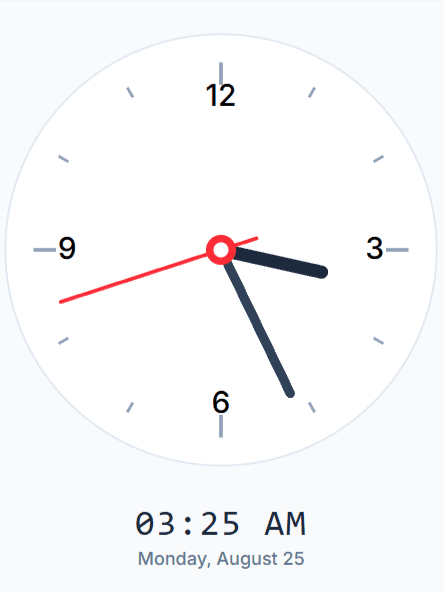
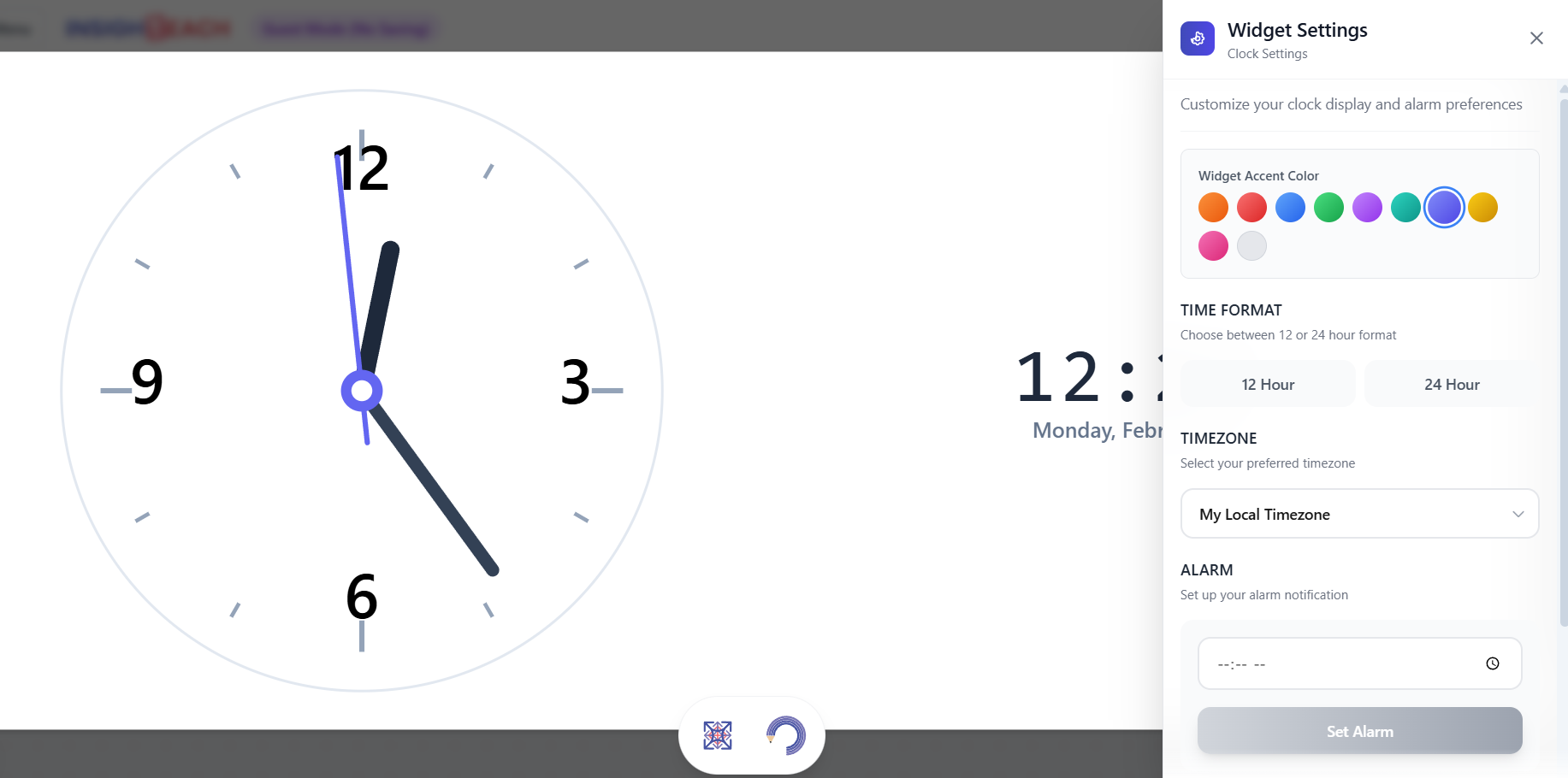
A clean, simple clock to display the current time. Perfect for keeping your class sessions and activities punctual.
Stopwatch
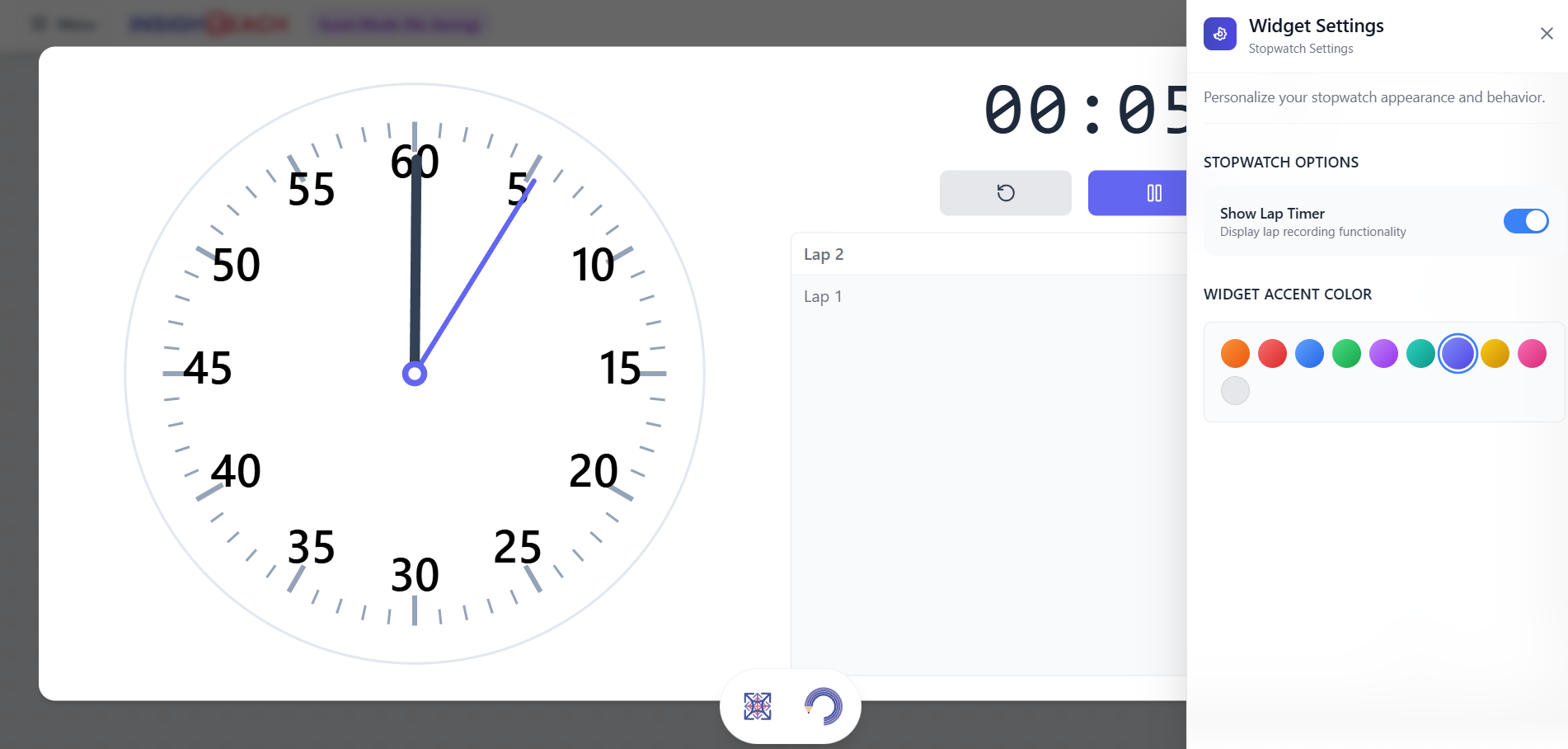
A simple and accurate stopwatch for timing activities, presentations, or experiments. Features lap timing for detailed tracking.
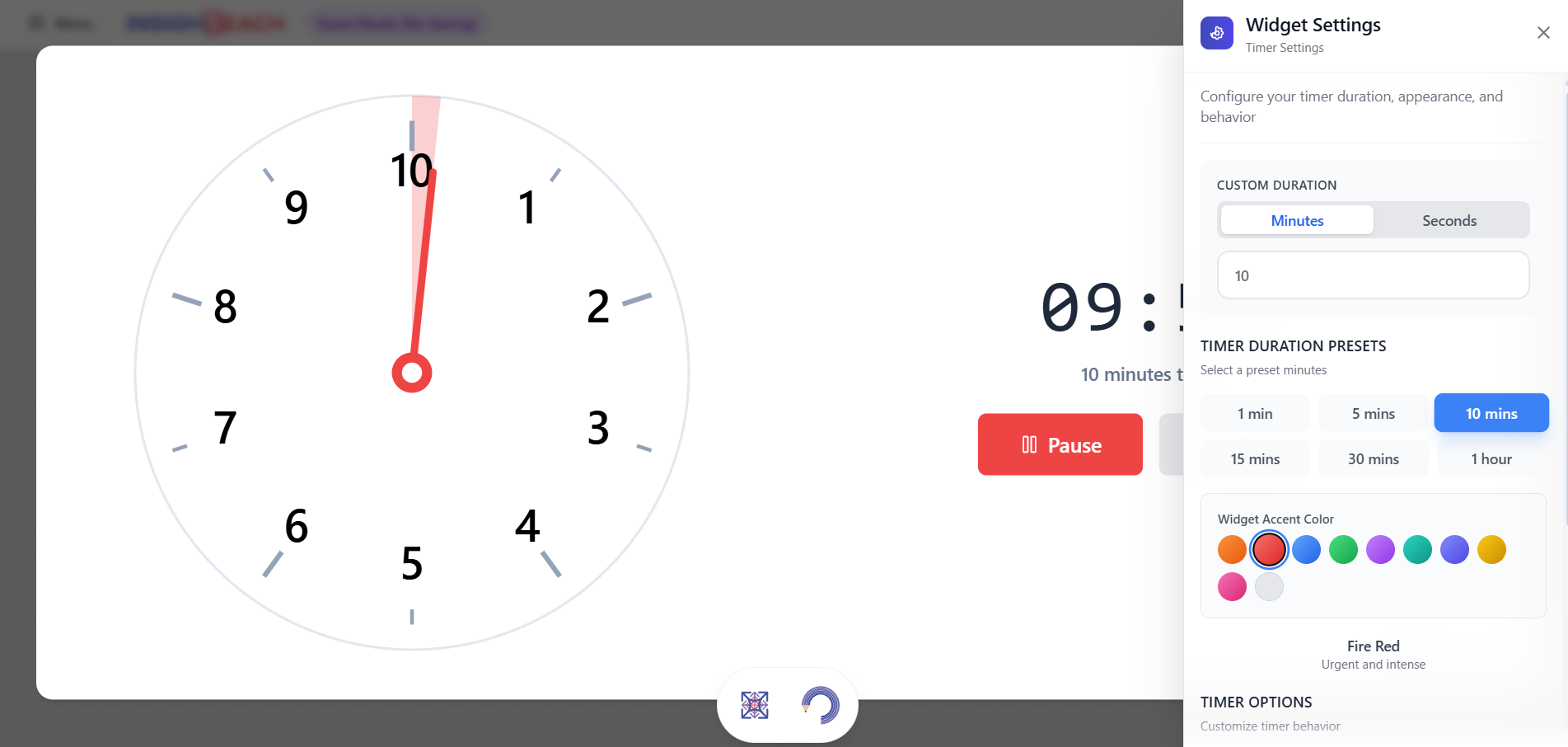
Timer
Set a countdown timer for tasks, breaks, or quizzes. A clear visual and optional alarm help keep everyone focused and on schedule.
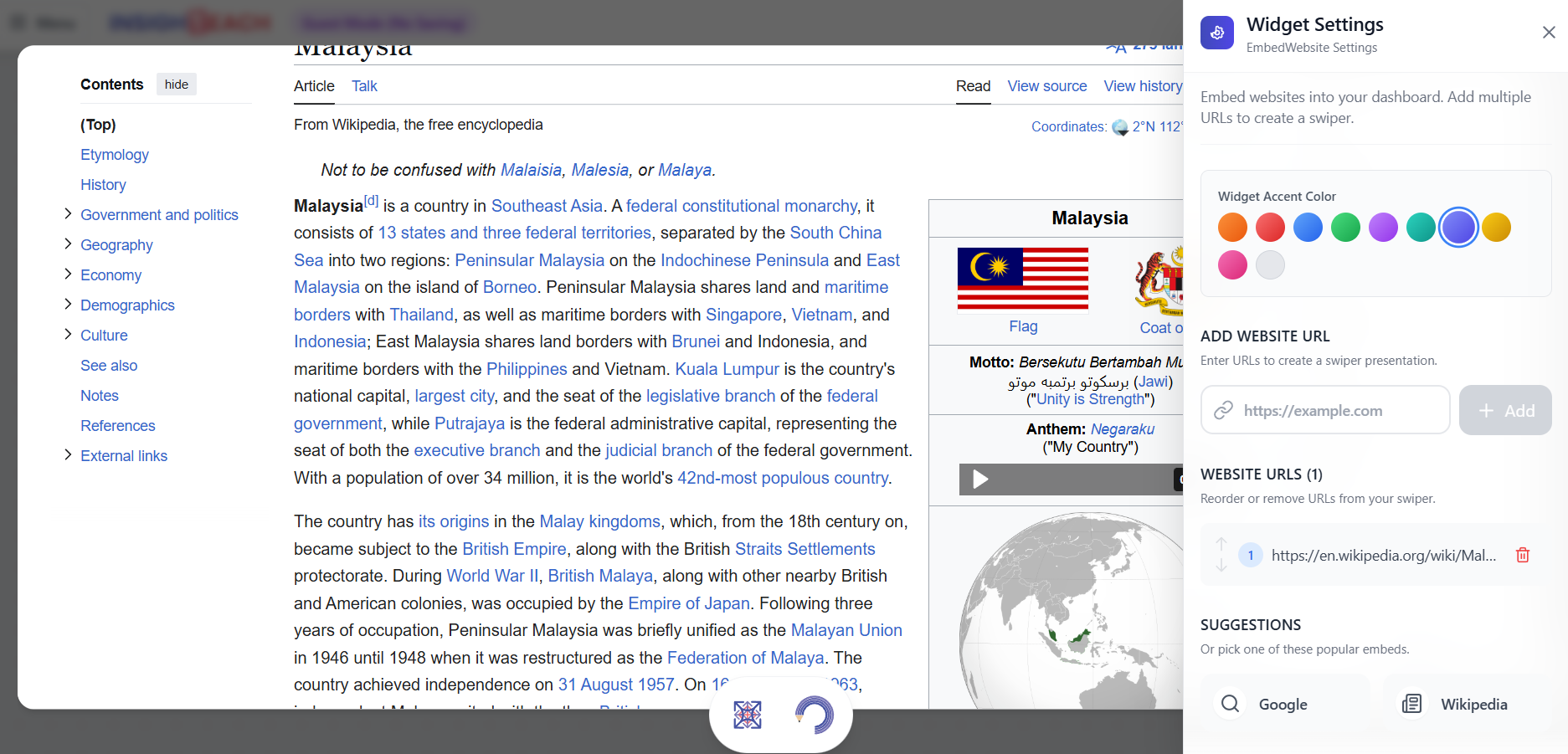
Web Viewer
Embed any live website or web page directly into your session. Perfect for showing articles, simulations, or online resources without leaving the platform.
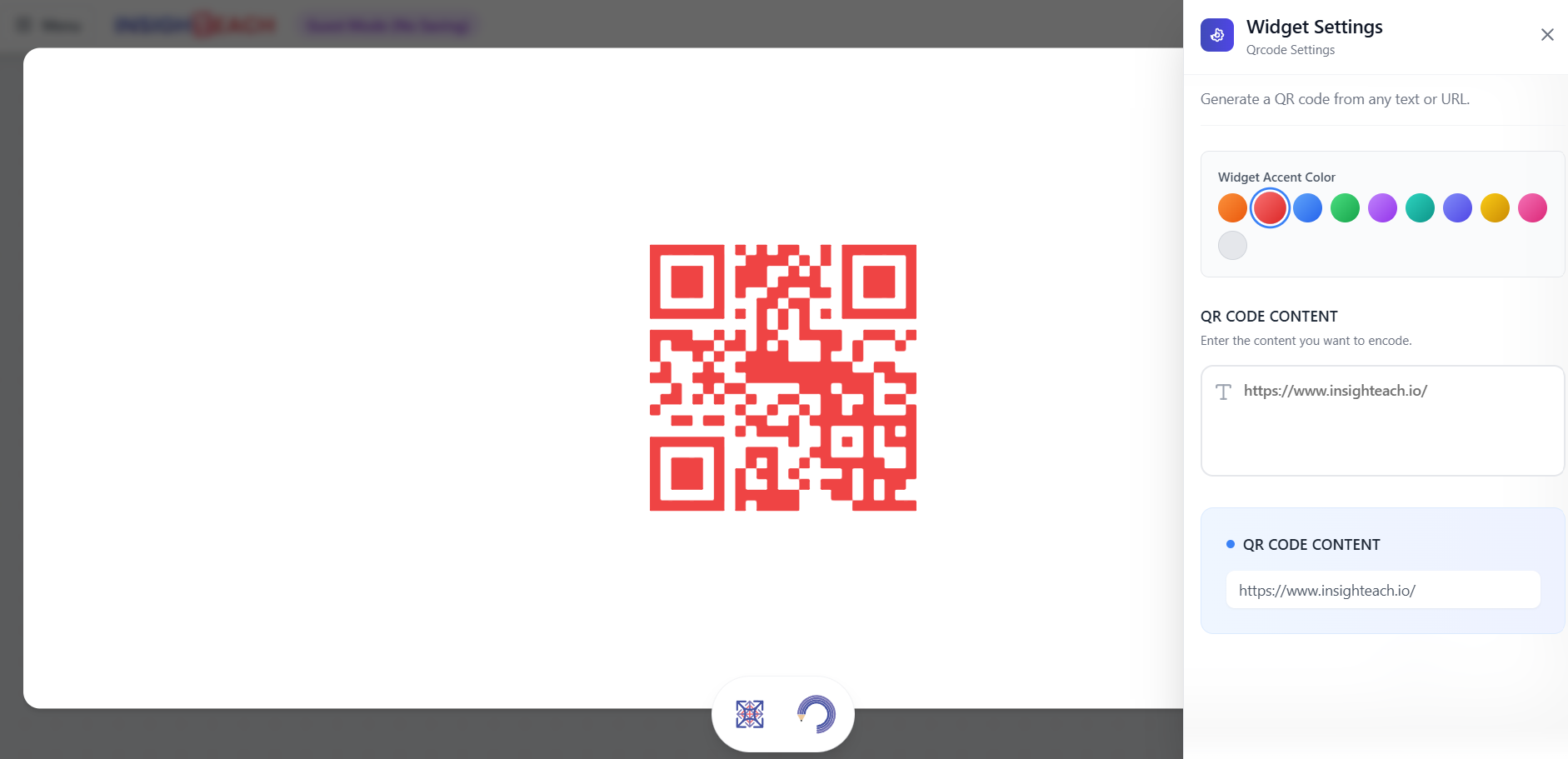
QR Code
Generate and display a QR code for any URL. Students can scan it with their devices to quickly access websites, documents, or forms.
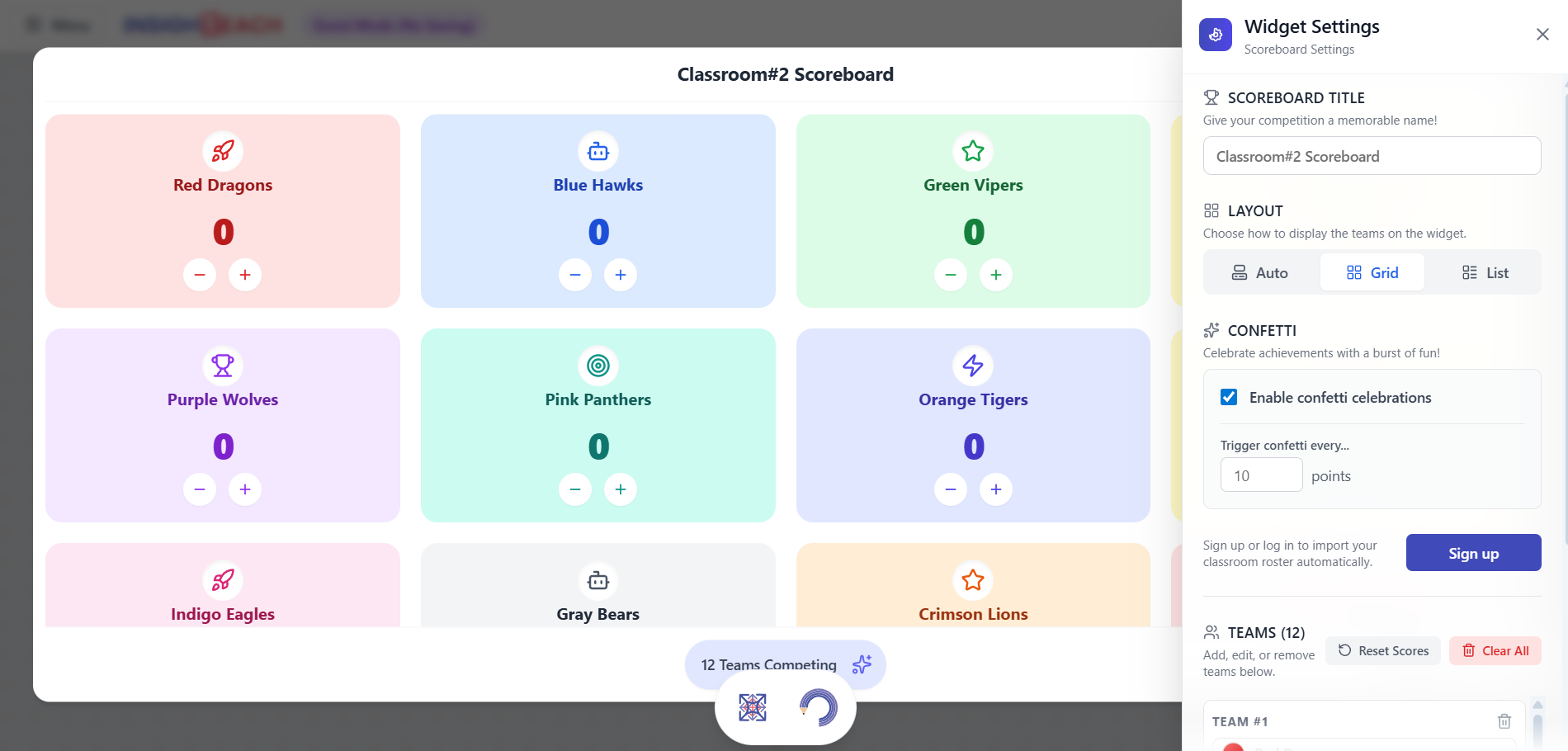
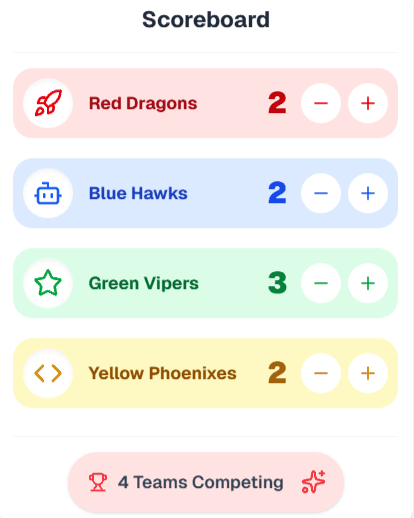
Scoreboard
Keep score for team-based games and activities. Easily add points and display team names with fun celebration animations for winners.
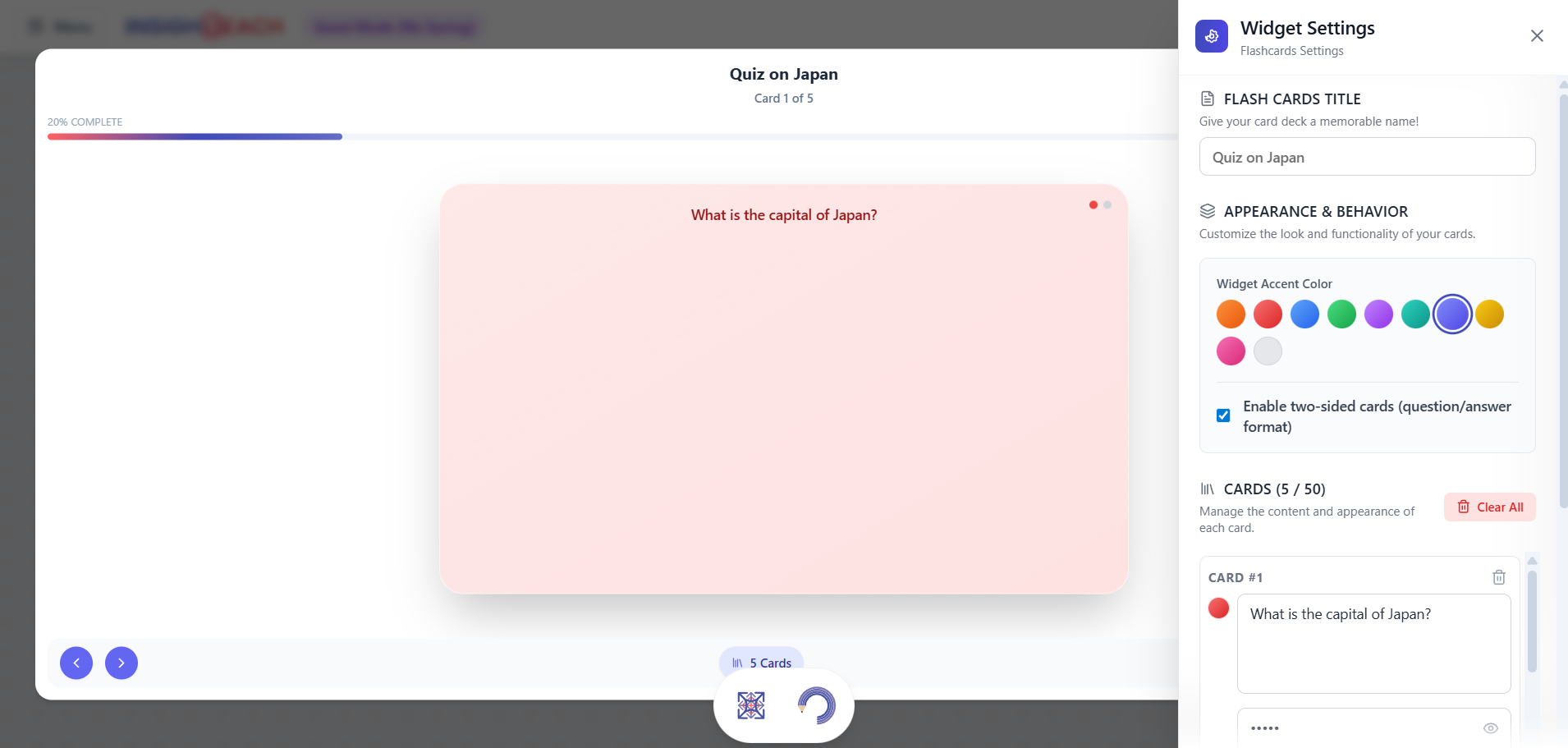
Flashcards
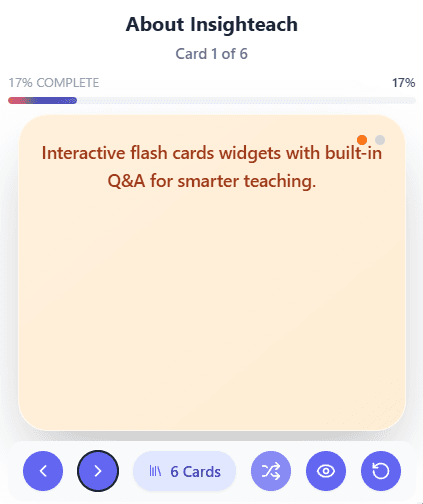
Create digital flashcards with a front and back. Ideal for vocabulary quizzes, key term reviews, or quick-fire Q&A sessions.
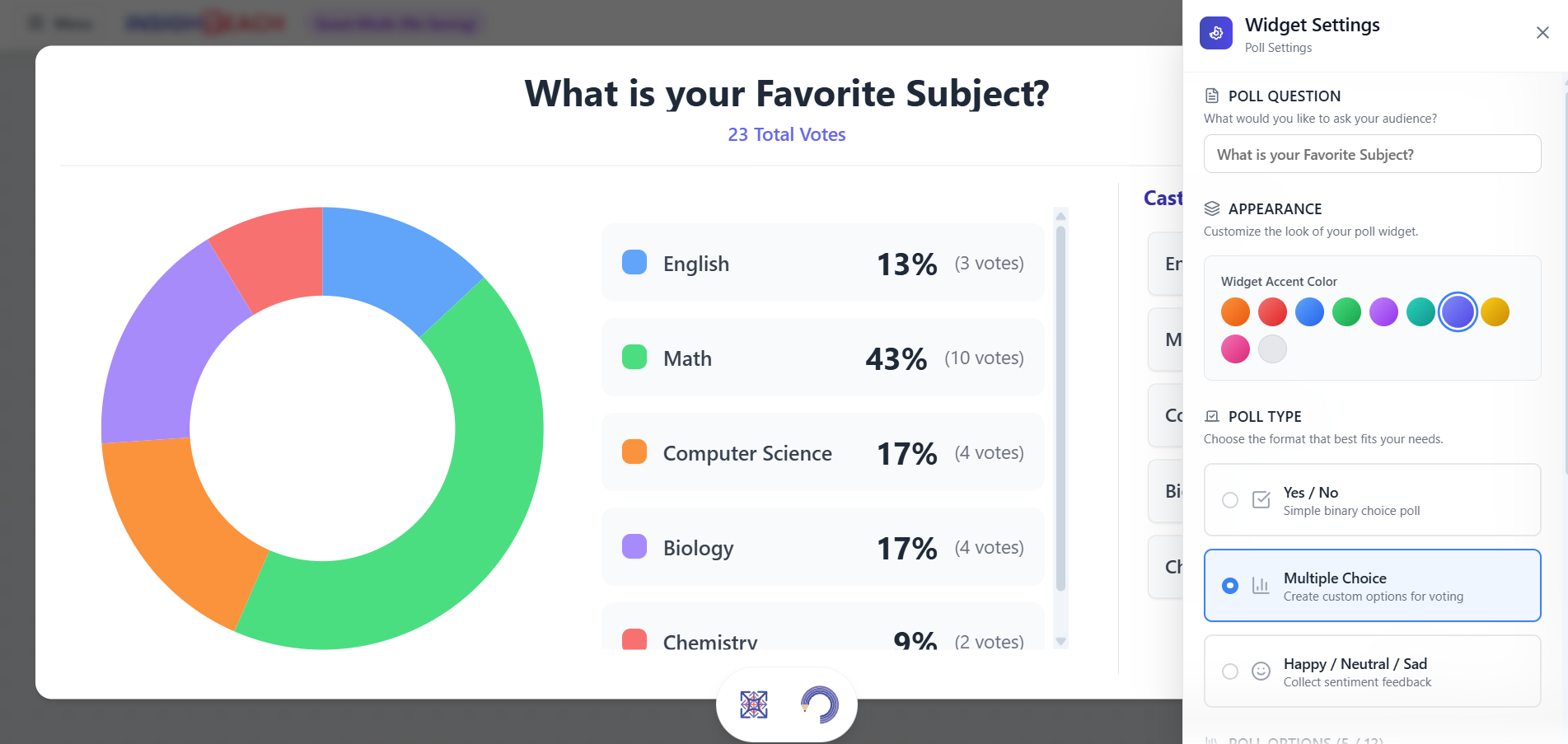
Quick Poll
Quickly gather feedback and check for understanding with live polls. Choose from multiple choice, yes/no, or simple emoji responses.
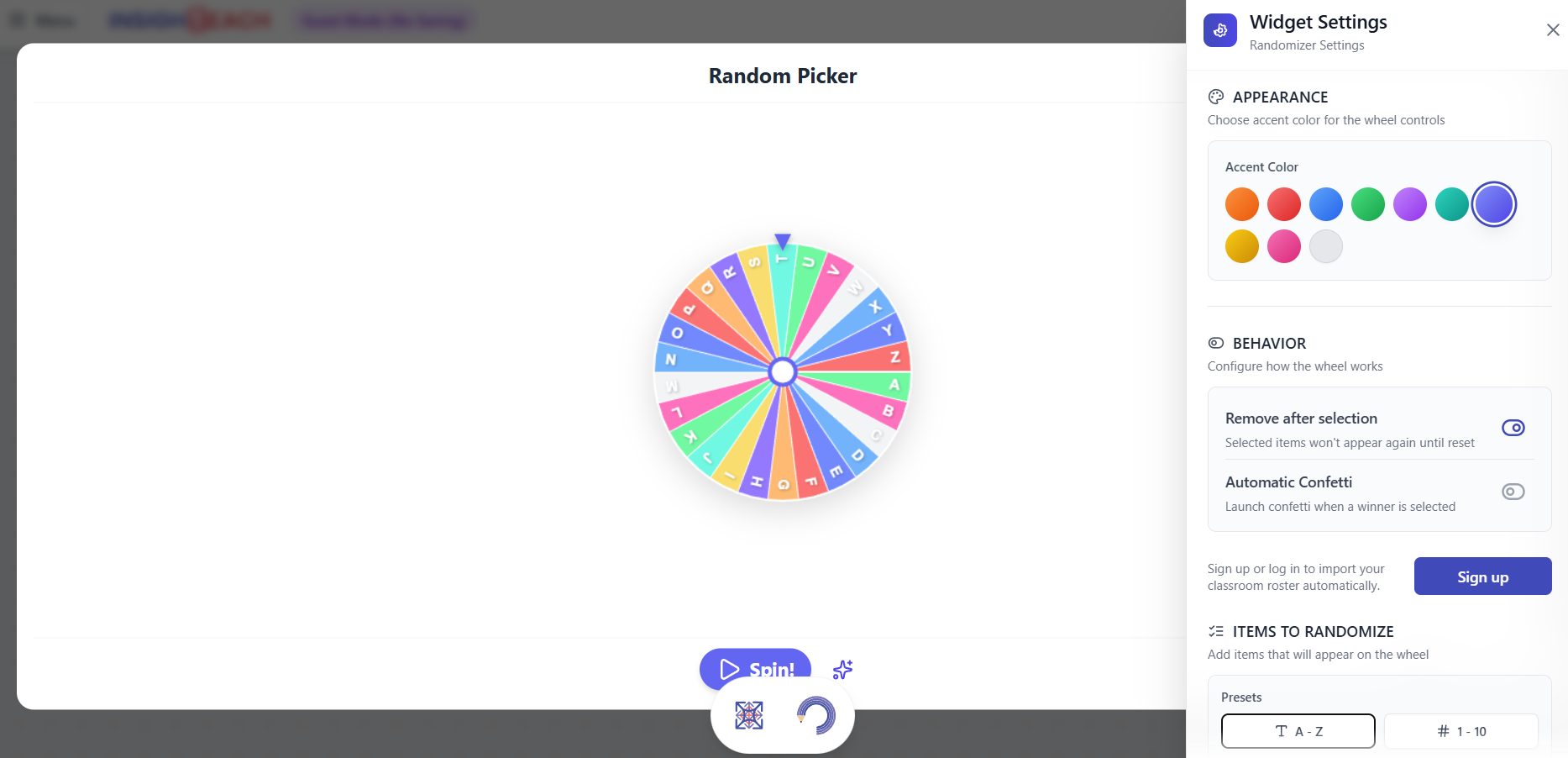
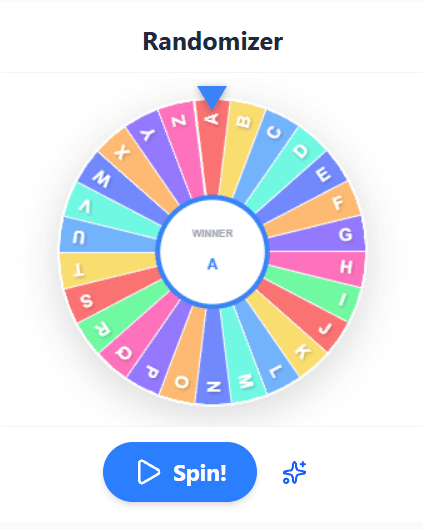
Name Picker (Randomizer)
A spinning wheel to randomly select a name from a list. Ensures fair participation and adds an element of fun to calling on students.
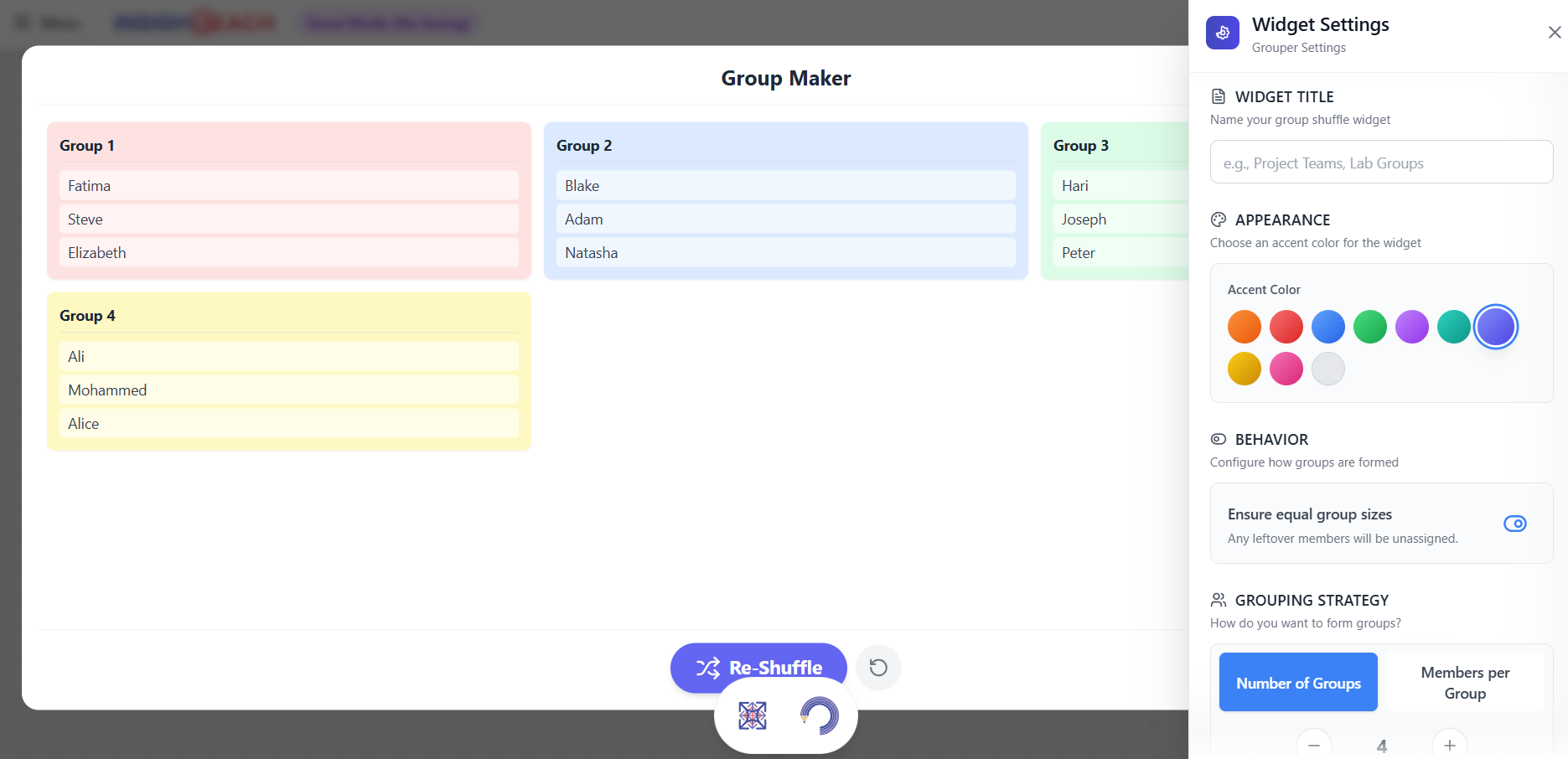
Group Maker
Automatically sort your student list into random groups of any size. Perfect for setting up collaborative projects and breakout sessions quickly.
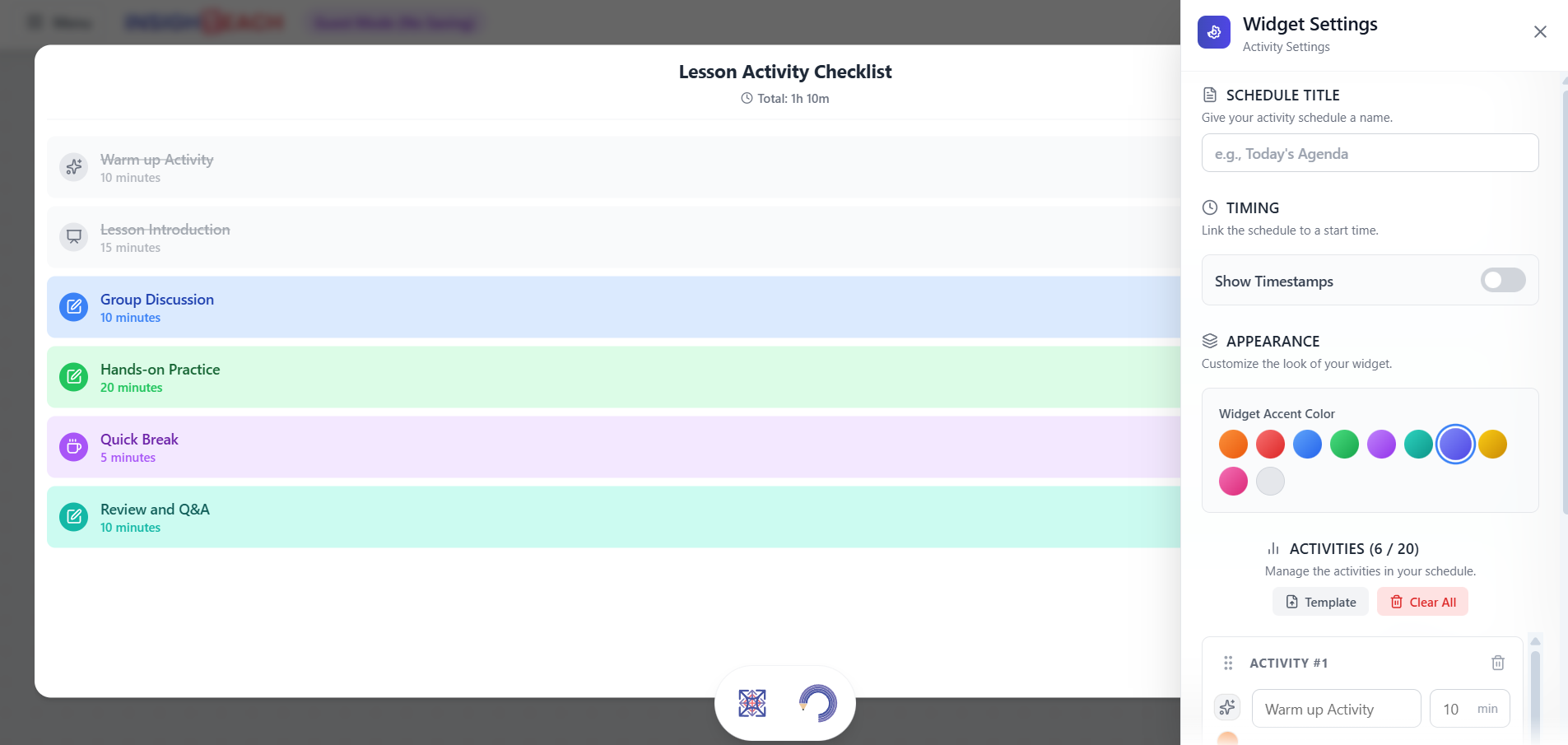
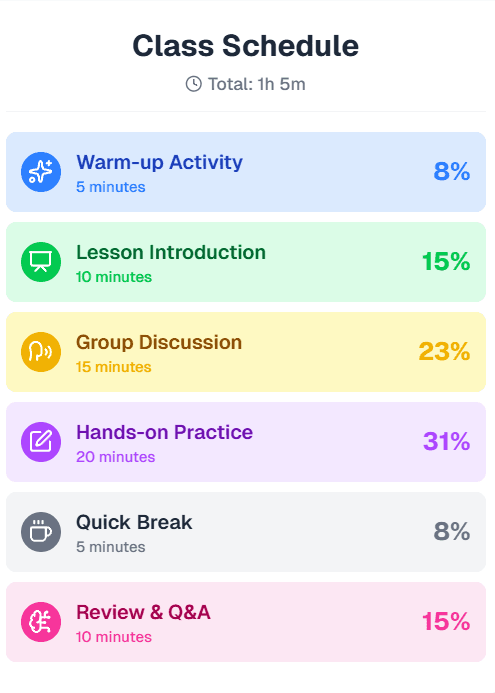
Lesson Activity Checklist
Outline and follow a sequence of activities for your lesson. Helps keep the class on track and provides a clear agenda for students.
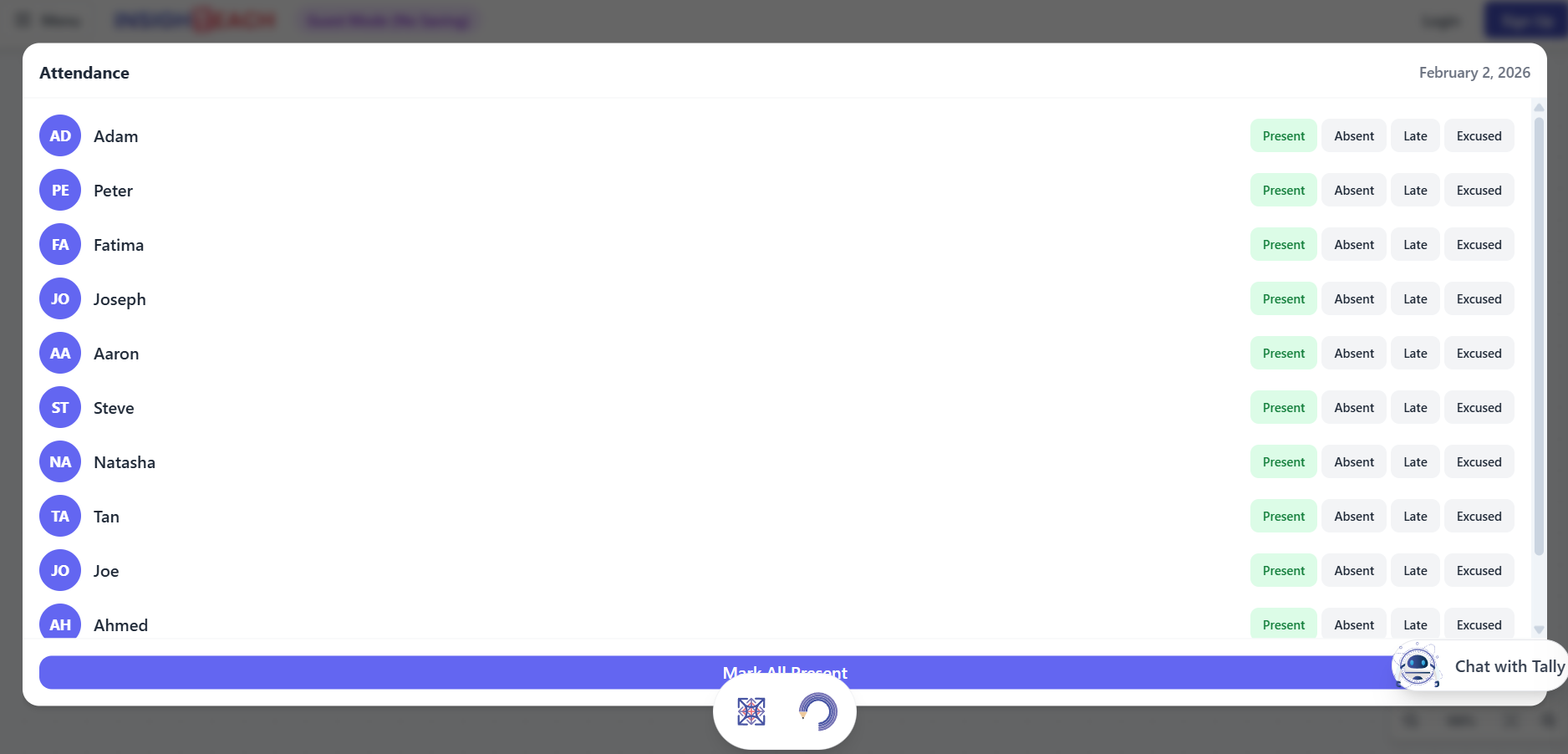
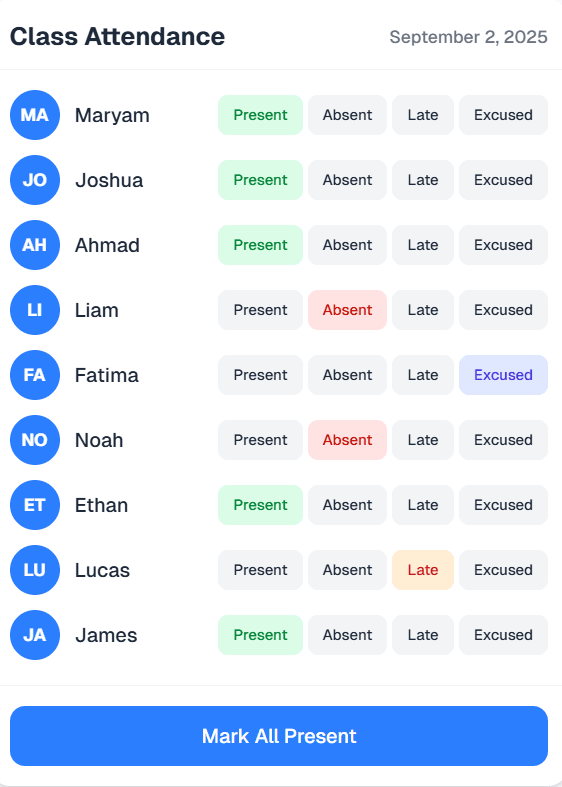
Attendance
A quick and easy way to take attendance. Mark students as present, absent, or late, and export the data for your records.
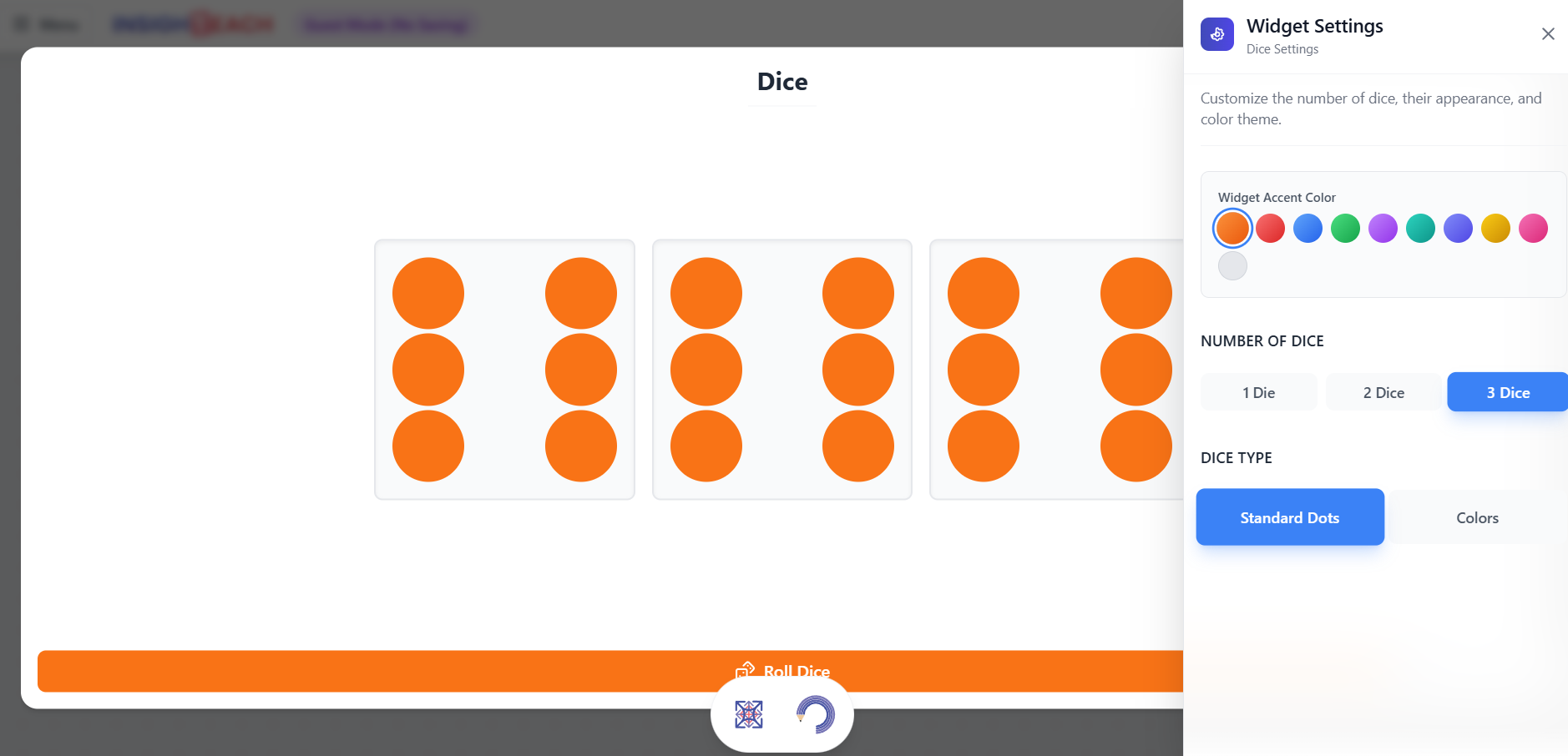
Dice Roller
A virtual dice for board games, math exercises, or any activity that requires a random number. Supports multiple dice.
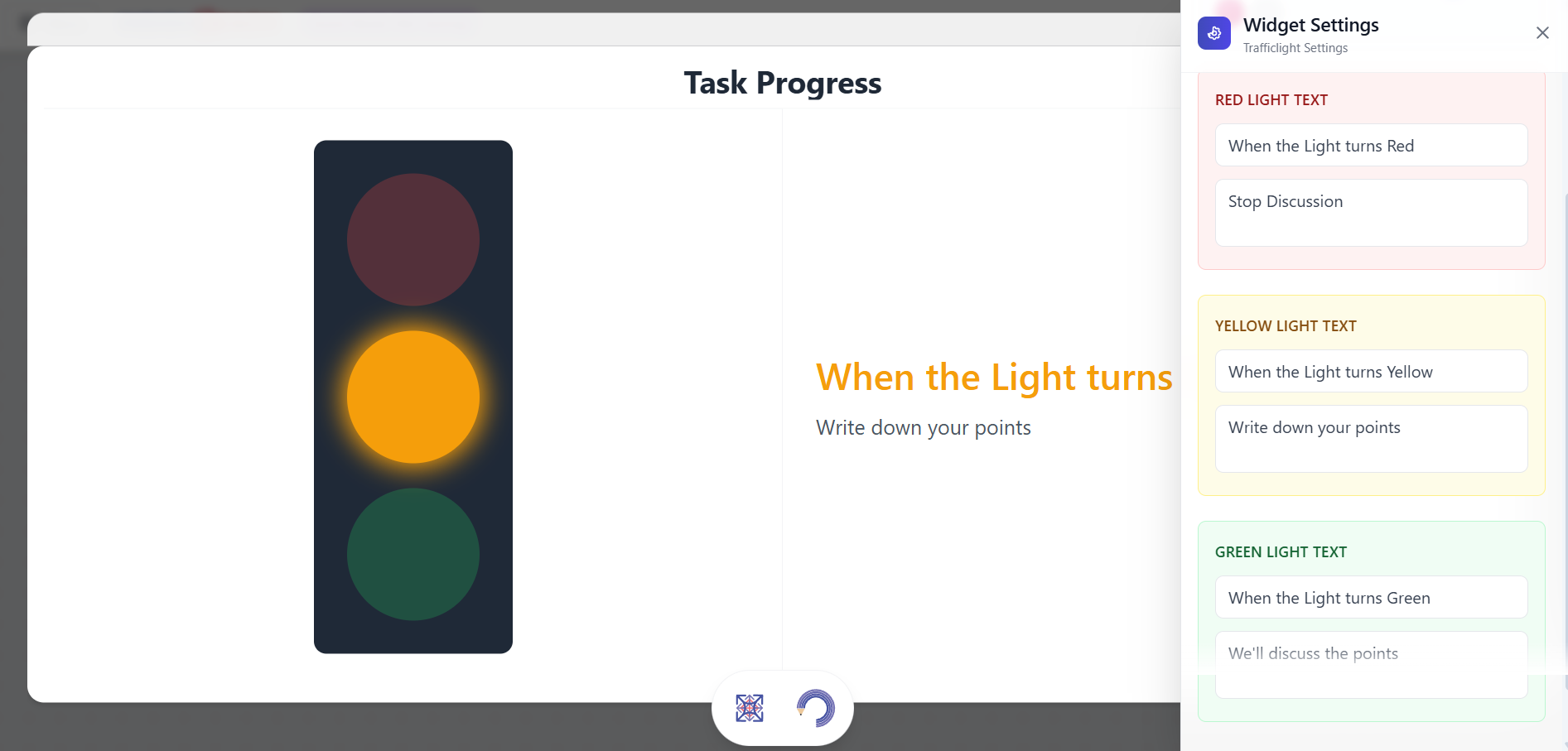
Traffic Light
A simple visual indicator for classroom management. Use red for quiet work, yellow for partner talk, and green for group discussion.
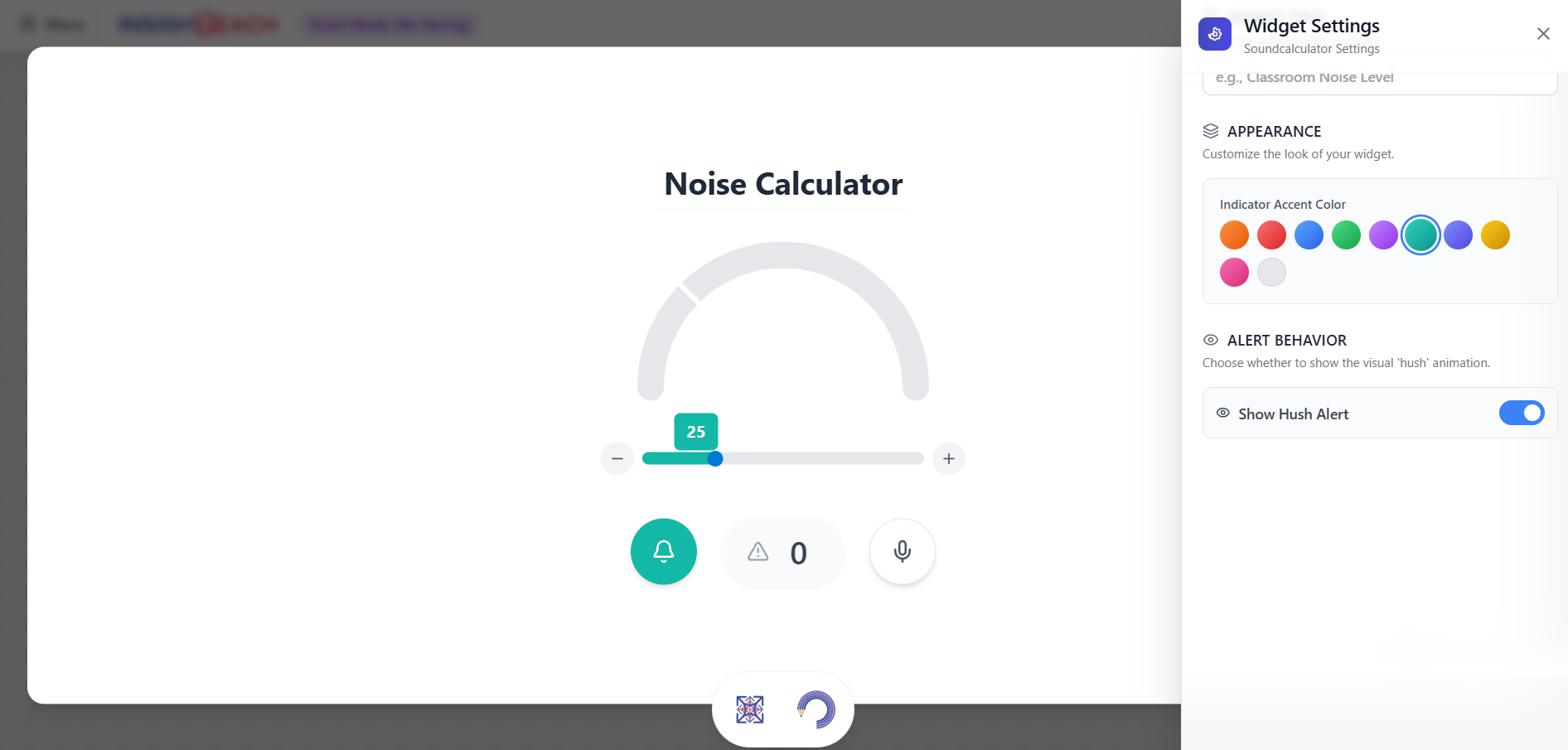
Noise Meter
Monitors the sound level in the classroom and provides a real-time visual display. Helps students self-regulate their noise level during activities.
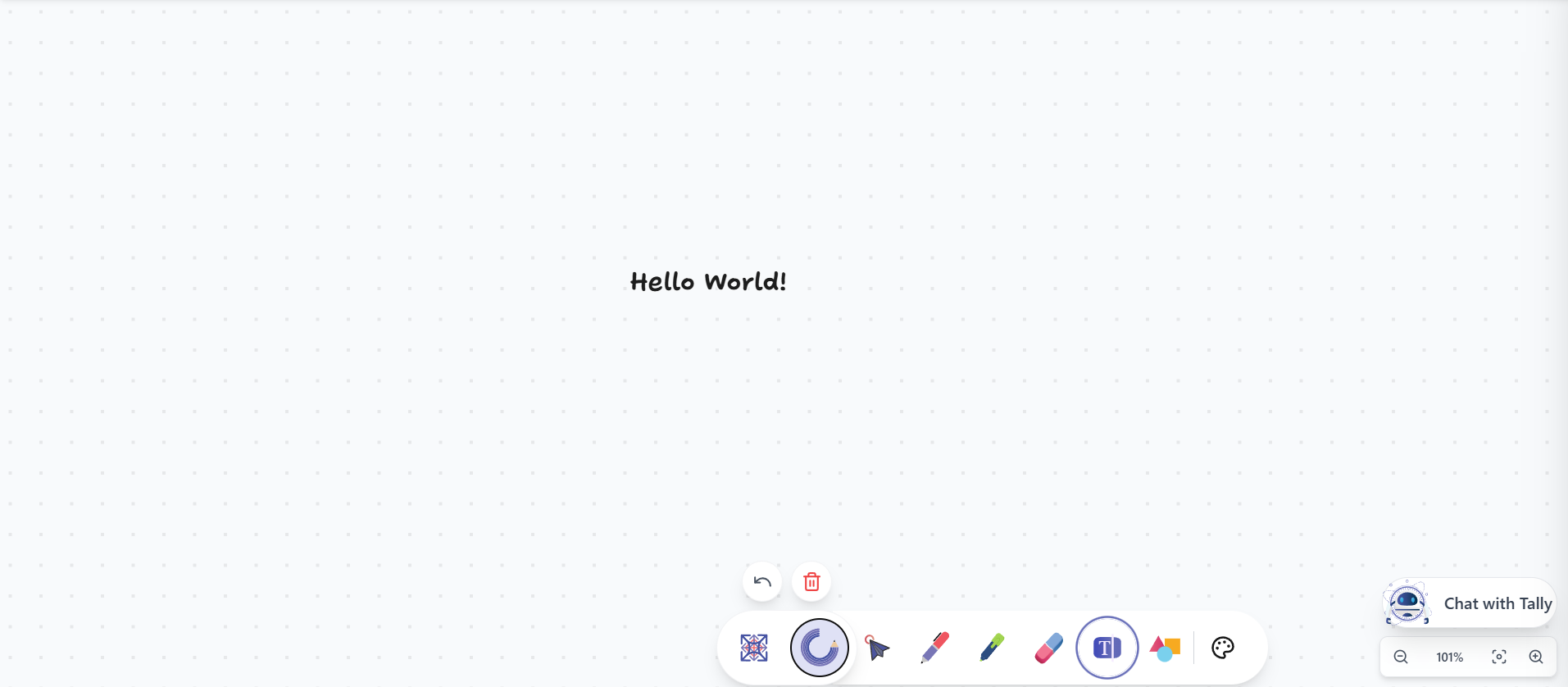
Text Box
A simple text box to add instructions, titles, or notes directly onto your canvas. Customize font, size, and color.
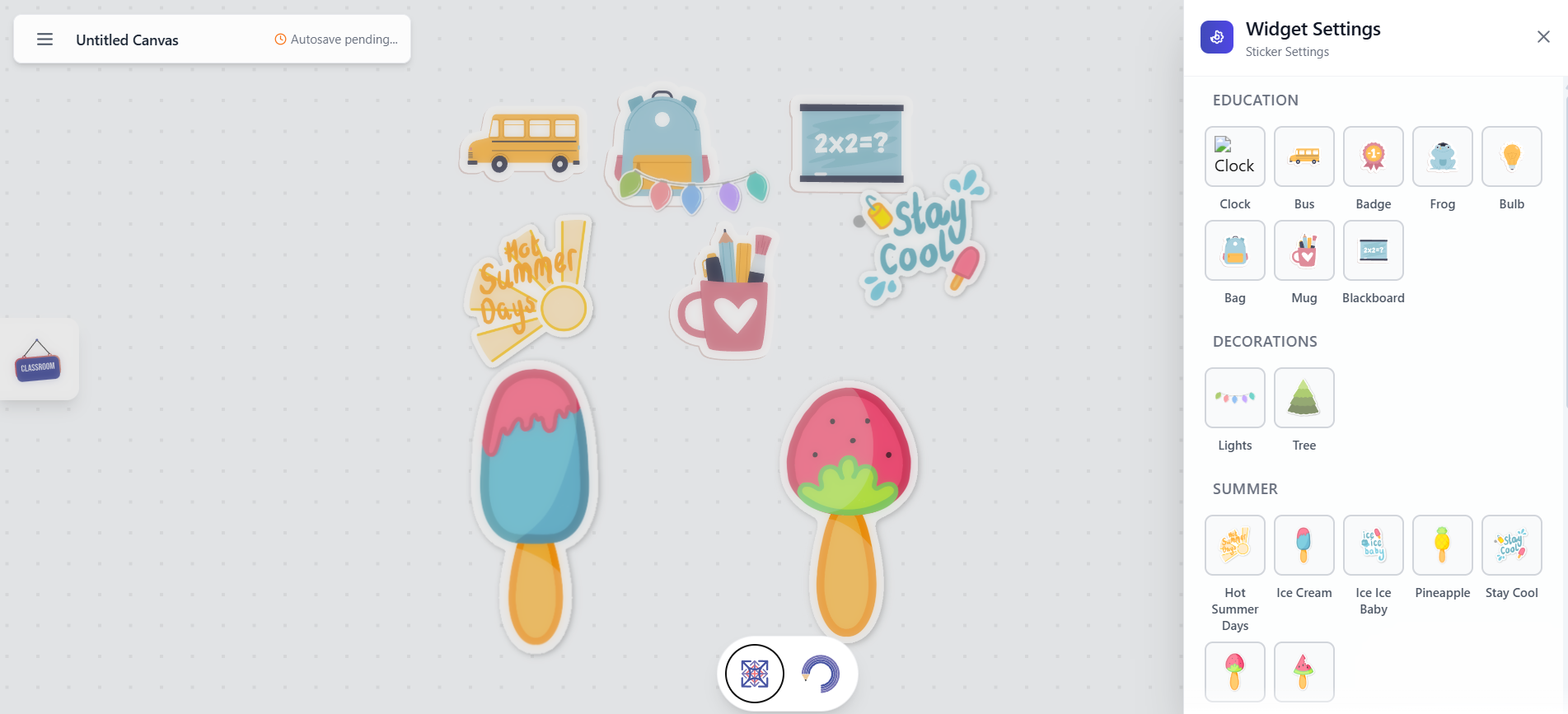
Stickers
Add fun and motivational stickers to your canvas. A great way to reward students or add visual flair to your lessons.
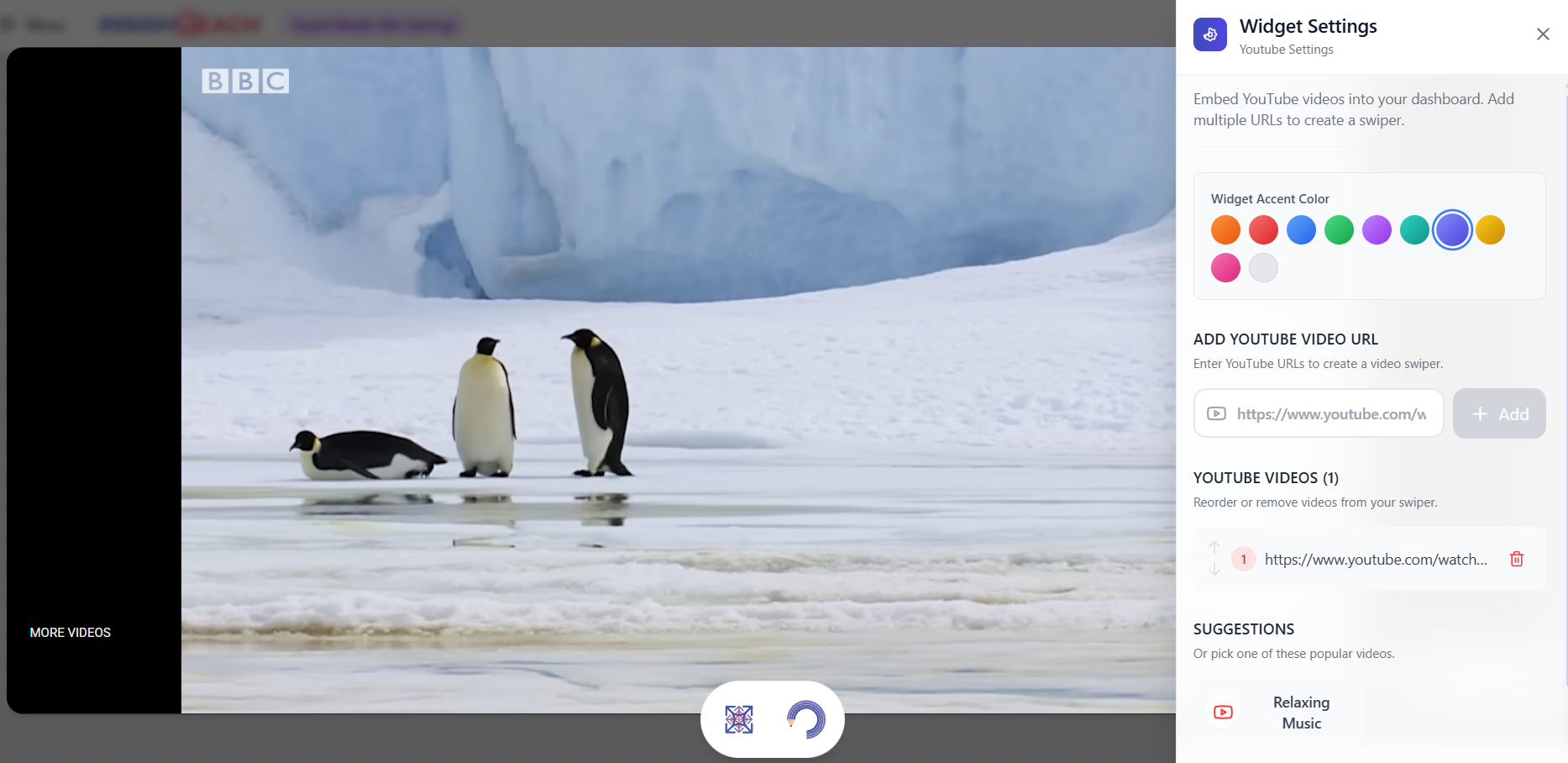
YouTube
Embed any YouTube video directly into your session. Play educational content, documentaries, or tutorials without ever leaving the canvas.
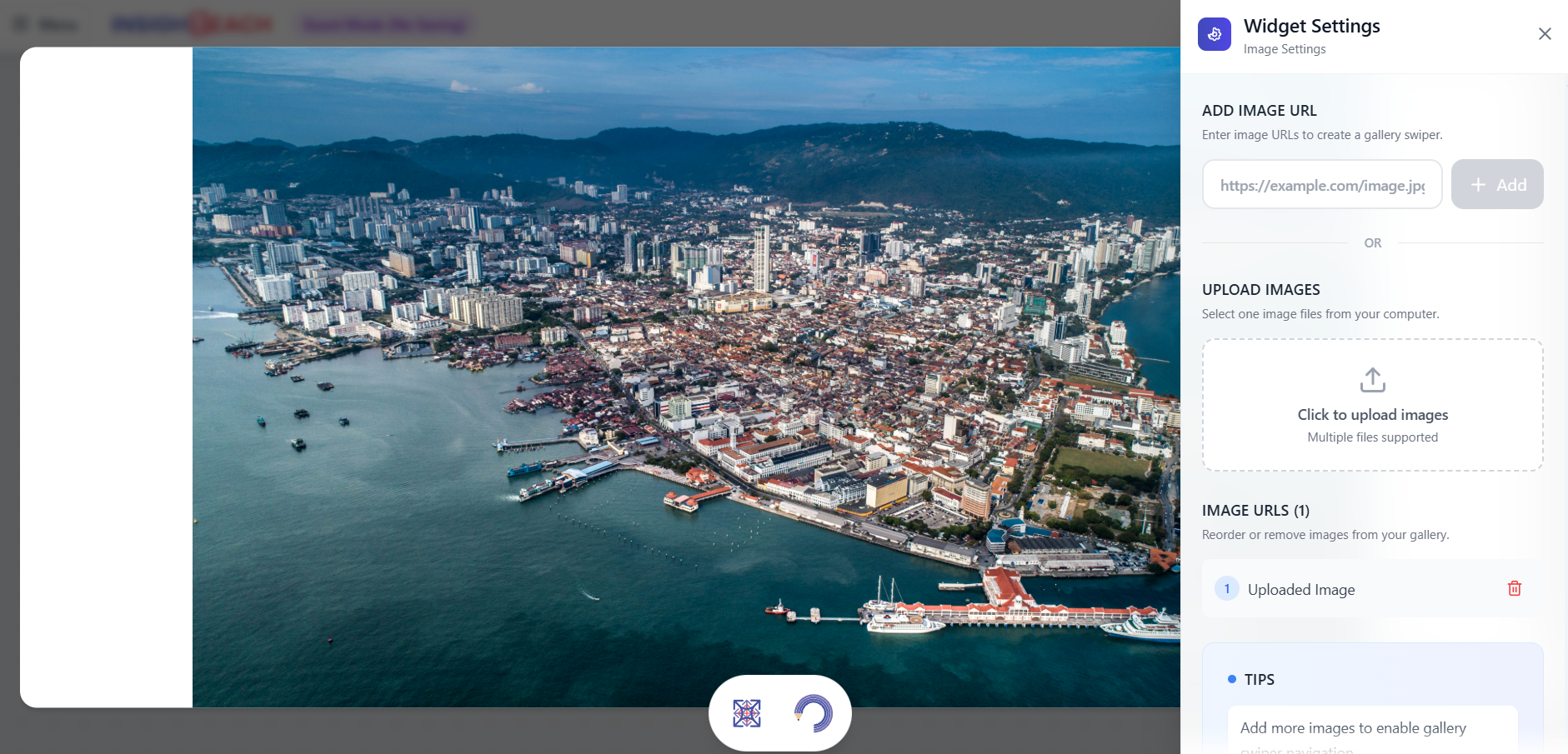
Image
Upload and display any image on your canvas. Perfect for showing diagrams, photos, maps, or other visual aids.
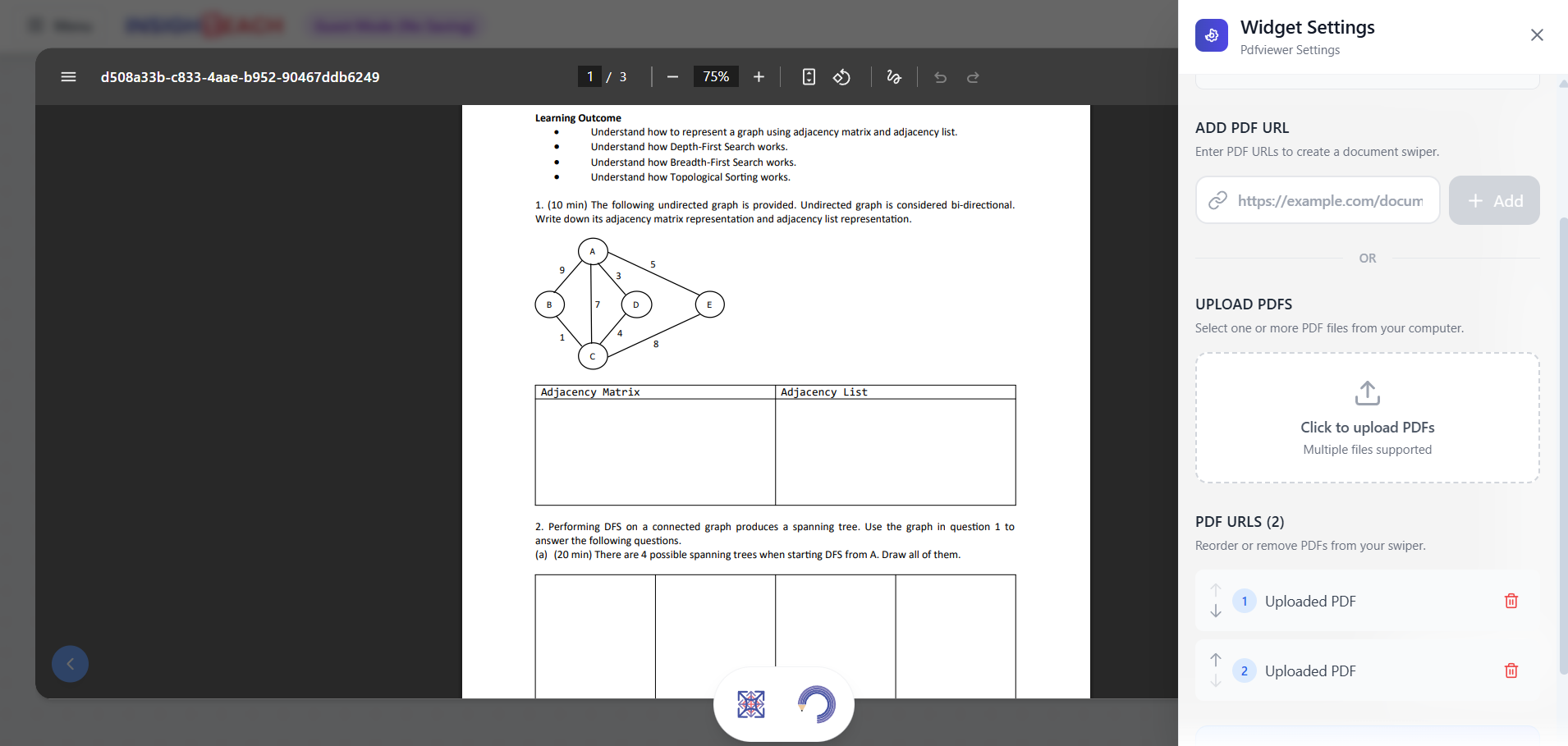
PDF Viewer
Display PDF documents directly on your canvas. Share worksheets, articles, or presentations for students to view.
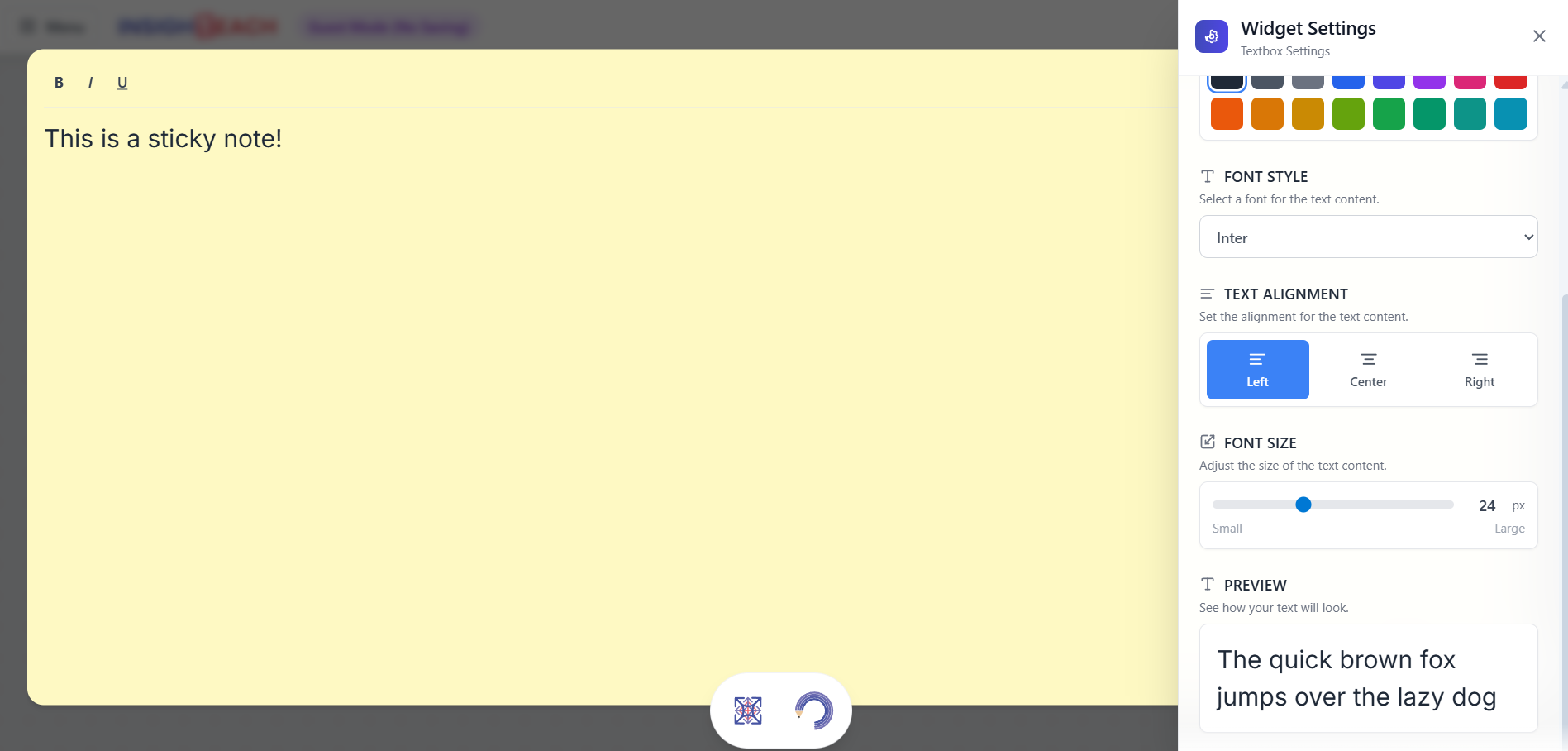
Sticky Notes
Add colorful sticky notes to your canvas for reminders, key points, or student brainstorming. Drag, resize, and organize them freely.
Frequently Asked Questions
Find answers to common questions
INSIGHTEACH Canvas is an AI online whiteboard for teachers. It brings essential classroom tools—attendance, random name picker, visual timers, group maker, polls, flashcards—onto a single screen. You can control everything with simple text or voice commands, letting the AI handle setup so you can focus on teaching.
INSIGHTEACH is for anyone who delivers lessons or training: classroom teachers, corporate trainers, homeschooling parents, online course creators, and academic institutions.
Yes. INSIGHTEACH Canvas is ideal for homeschooling. Parents and tutors can plan lessons in minutes and use interactive tools—like polls, flashcards, timers, and group makers—without technical complexity.
Yes. We offer a 14-day free trial on our Pro plan. No credit card is required to get started.
You can start using INSIGHTEACH Canvas right away—no signup required for core widgets. Try it, and if you have feedback, send it through the portal or email contact@insightune.ai.
Purchase the number of licenses you need directly on the platform. For 200+ licenses or custom pricing, contact us at contact@insightune.ai.
Click the "Forgot Password" link on the login page and follow the instructions sent to your email.
Yes. We use industry-standard encryption for data in transit and at rest. Our infrastructure is hosted on secure, certified cloud providers, and we comply with GDPR and other major data protection regulations.
We accept major credit cards (Visa, Mastercard, American Express). For Enterprise plans, we also support invoicing and bank transfers. If you need help, contact us anytime at contact@insightune.ai.
Yes. Please contact Sales for bulk or NGO pricing.
Get Started with Insighteach
An interactive teaching platform with a powerful Canvas full of widgets to make learning fun and engaging.
No credit card required to start.